

New membership system
ACTION REQUIRED: Please reset your login password and download your new digital membership card before your next visit.
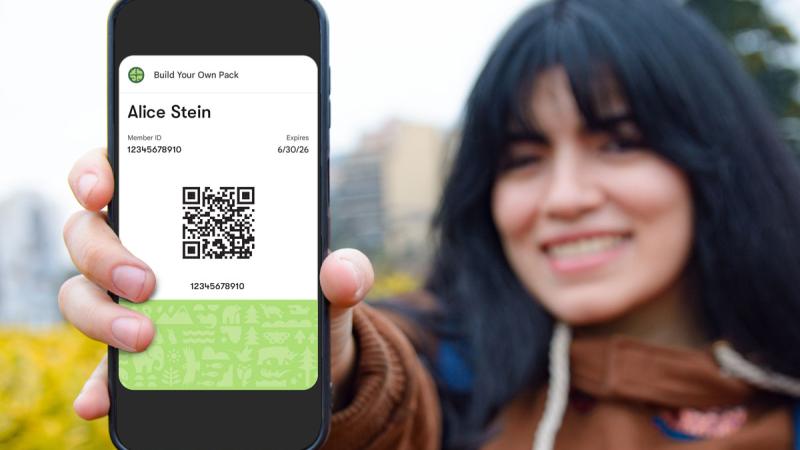
Our new membership system is now active. As part of the upgrade, you will need to reset your member login password and download a new digital membership card before your next visit.
Follow these 3 easy steps
- Reset your password here. TIP: Use the primary member email address.
- Check your email for the one-time password reset link
- Once logged in, click “My Account” under the profile menu, and then click the “Add to Google” or “Add to Apple Wallet” icon.
After resetting your password, log in here.
Optional step 4: Share the digital card from your Google or Apple wallet with your other named members.
Second and third named adult members: Please ask the primary member to share the digital card from their Google or Apple wallet.
Questions? Contact us